If the cost price rises and the sell price stays the same, your margin drops — often unnoticed. Knowing the chain lets you update prices quickly and correctly.
Why silent cost increases are dangerous
Suppliers often raise only individual items. If your sell price stays put, the cost increase eats straight into margin. Across many items that adds up to real money — without showing up in revenue.
Spotting affected items
The key is knowing where the cost price has changed since the last calculation. Comparing the calculated reference price with the current one surfaces exactly the items that need recalculating.
Update consistently
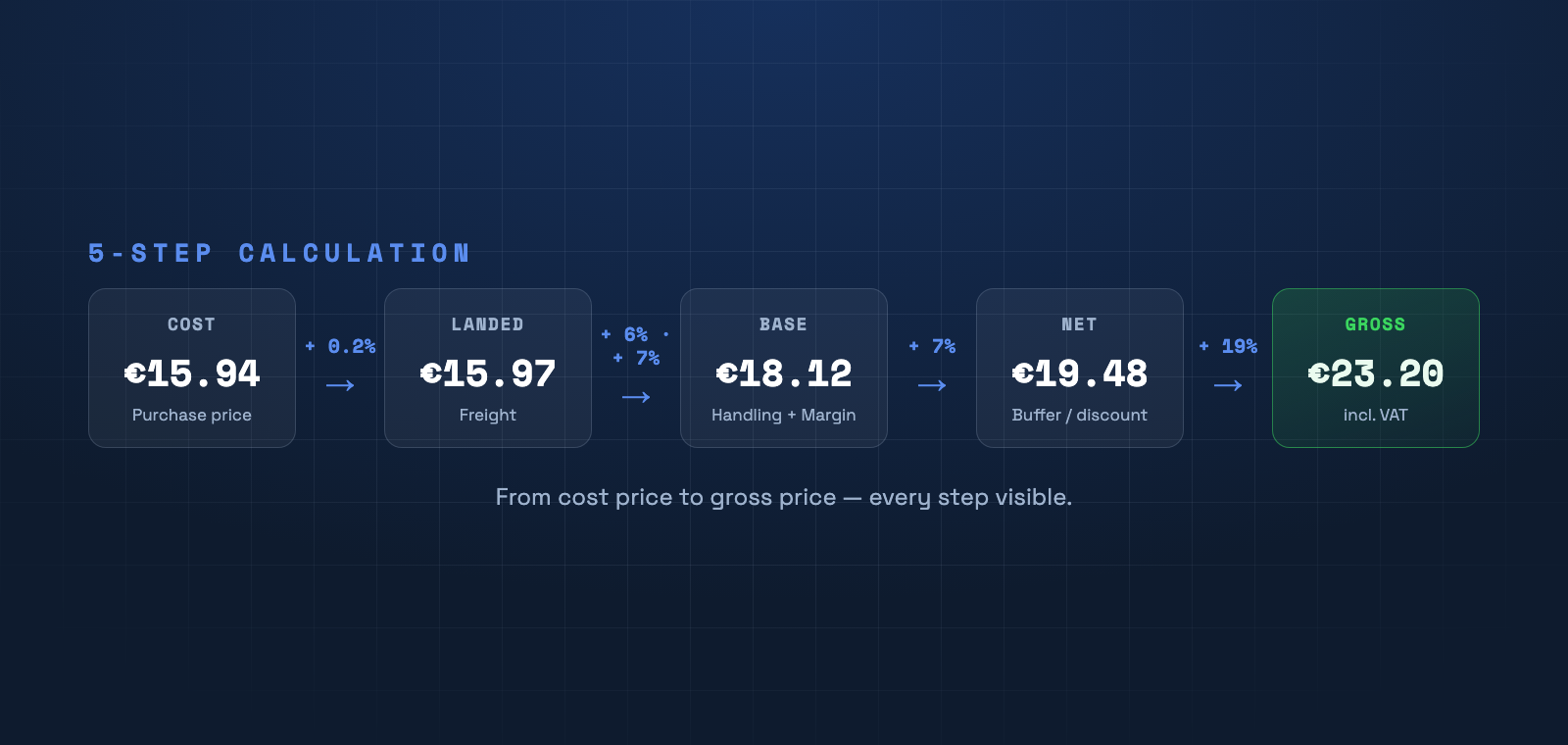
Instead of raising prices randomly, reapply your factor or 5-step calculation to the new cost price. Your margin stays exactly the same — traceably across the whole catalog.
Detect cost changes automatically
PriceCalc Pro flags products whose cost price has changed since the last calculation and computes the new sell price at the press of a button.
See PriceCalc Pro →